
Restaurant POS System — Counter Orders, Kitchen Routing & Sales Reporting
{ CASE STUDY DETAILS }
The problem, the decisions we made, and what actually changed for the client after launch
PROJECT NAME:
Restaurant POS System
INDUSTRY:
Food & Beverage
ENGAGEMENT:
POS build + rollout
PLATFORMS:
Counter terminal, kitchen display, admin
TOOLS USED:
React, Node.js, PostgreSQL, Socket.IO, Electron
LOCATION:
Dhaka, Bangladesh
A Service Window That Failed At Peak
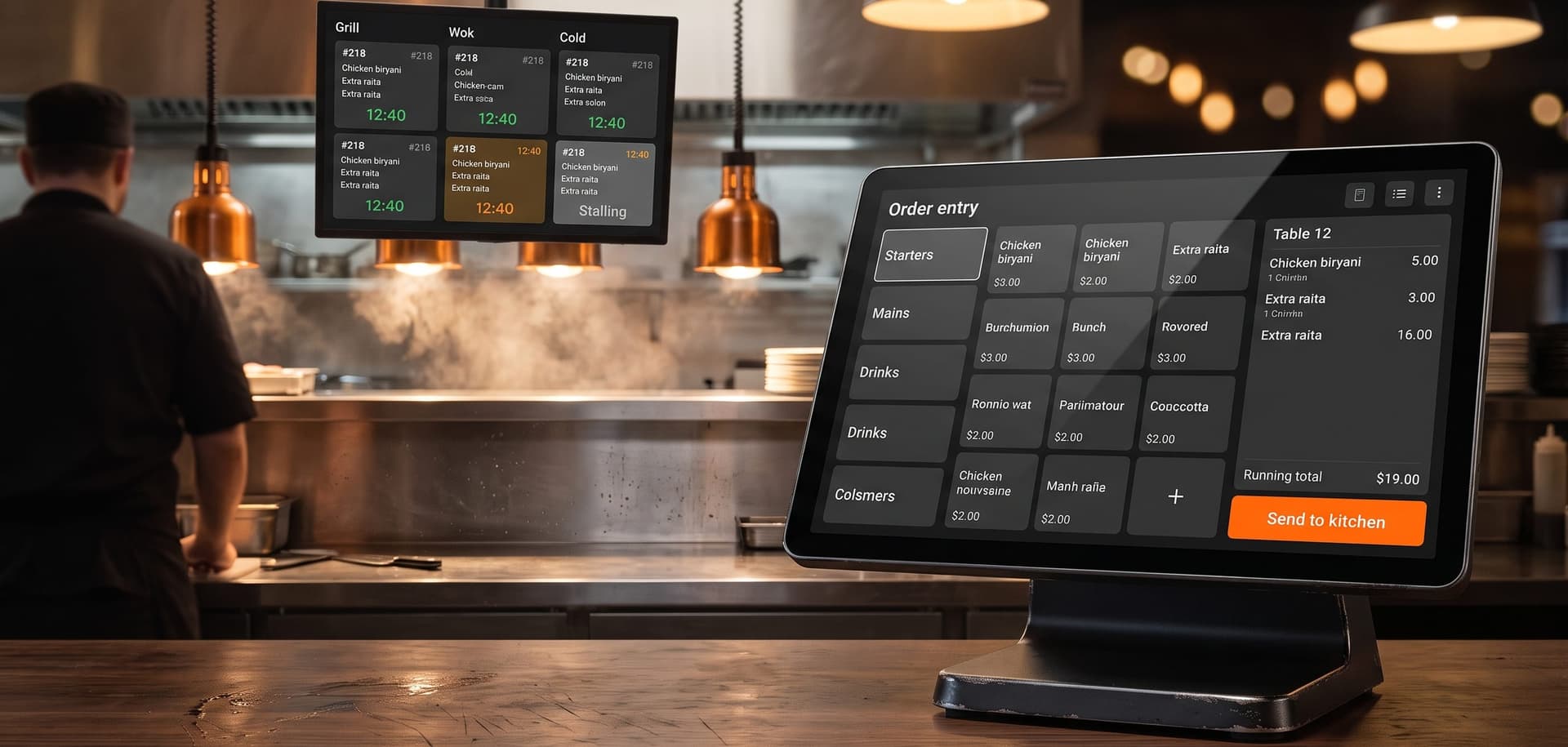
Counter staff wrote orders on a pad and called them through to the kitchen, which held up until the queue reached four people and then started losing items. The brief was a point-of-sale system built around speed at peak service — order entry measured in taps, tickets routed automatically to the right kitchen station, and sales numbers available before the shift closed rather than days later.
Problem:
Orders Shouted Across A Service Window
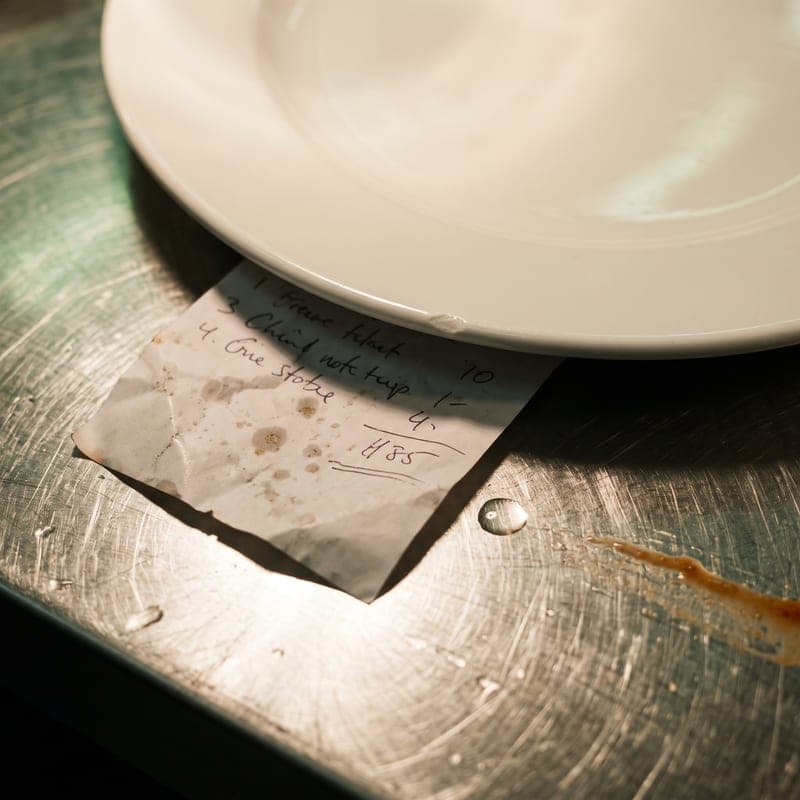
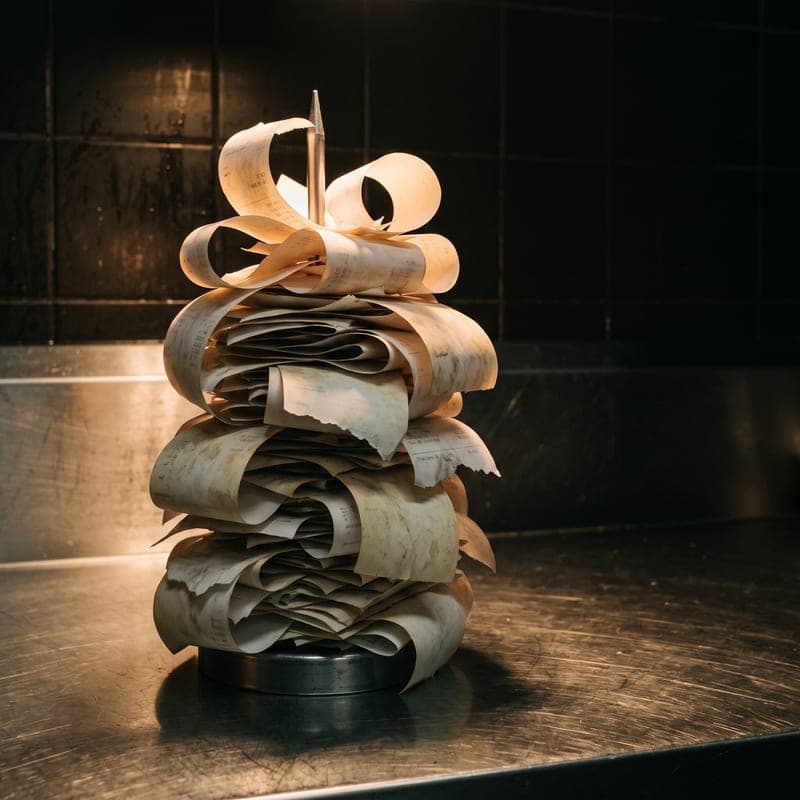
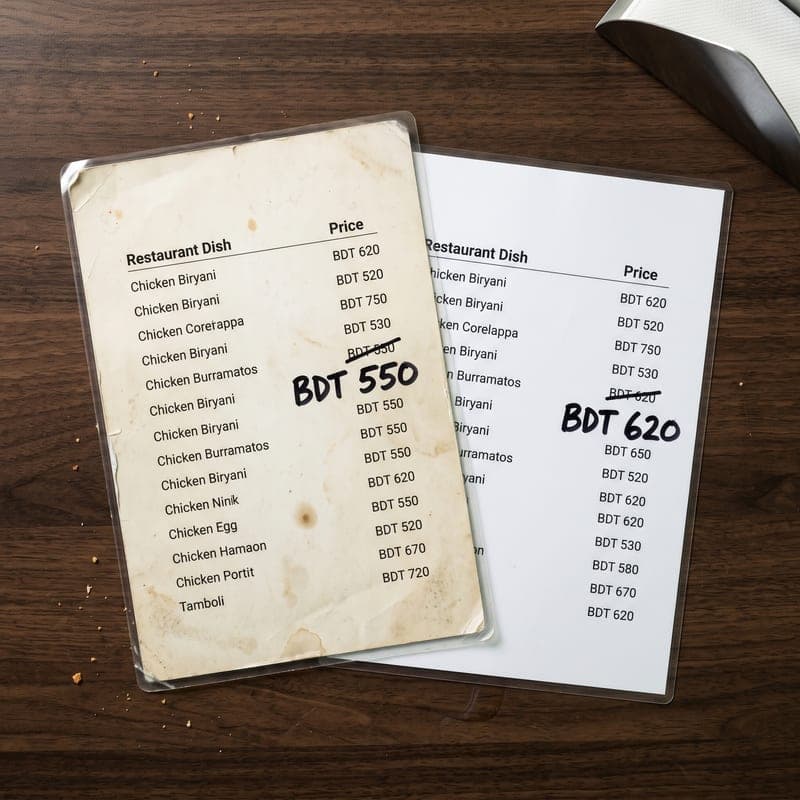
Orders were written on a pad at the counter and called through to the kitchen, which worked until the queue reached four people. Items were missed, modifiers were misheard, and at the end of service nobody could say which dishes had actually sold. Two tills meant two cash drawers reconciled separately against one menu that had drifted out of date in both.
Key issues identified:
- Orders Lost In Transit: A verbal handoff between counter and kitchen fails exactly when service is busiest and mistakes cost the most.
- No Same-Day Numbers: Sales by item, by hour and by staff member were reconstructed from receipts days later, if at all.
- Menu Drift Between Tills: Price and availability changes had to be made twice and were regularly made once.
Solution:
A Counter Built For Speed And A Kitchen That Reads Itself
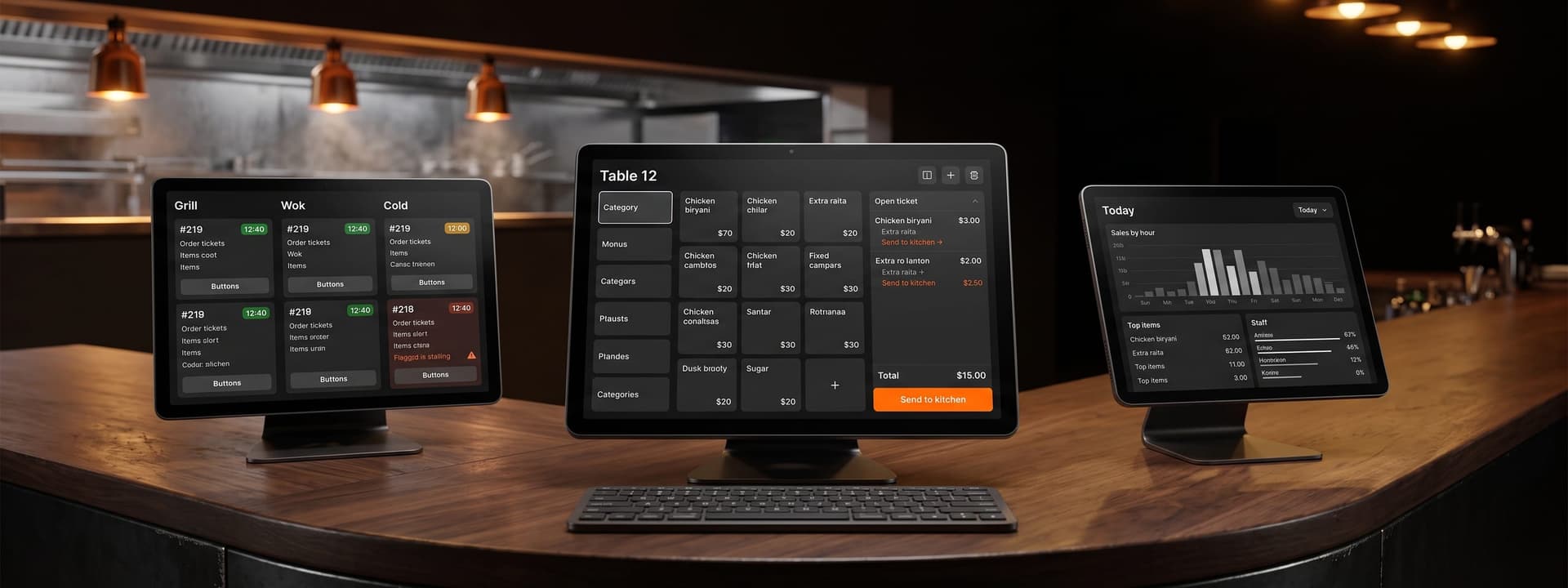
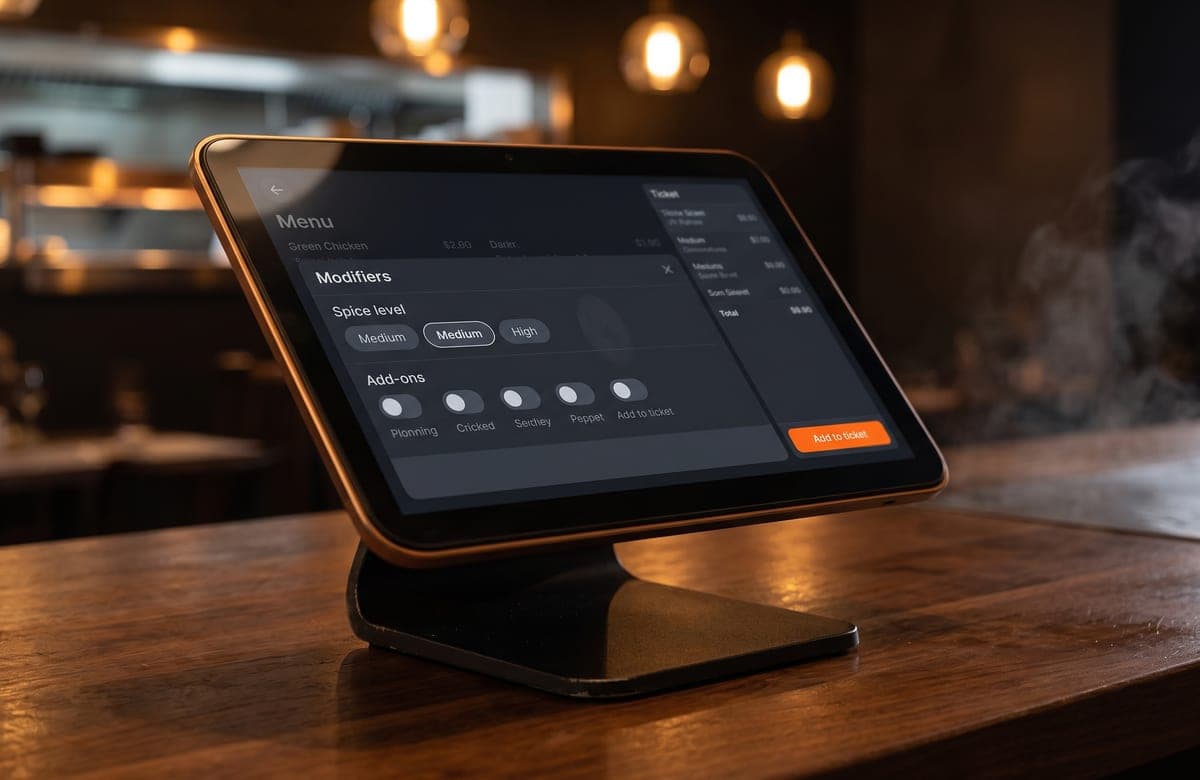
The counter screen is built around how fast an order can be entered, not how much it can display: category tiles, one-tap modifiers, split and merge on the open ticket, and a keypad that never moves. Staff were productive on it inside a shift because the layout does not change as the menu does.
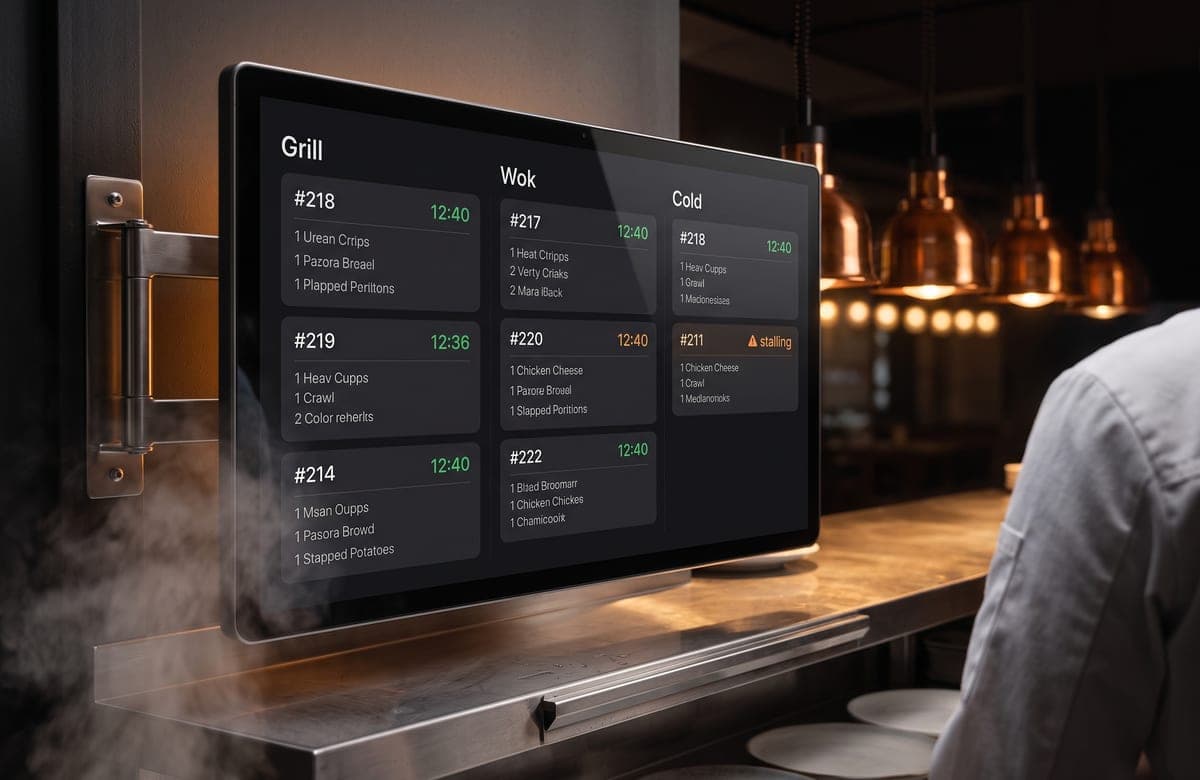
Confirmed orders route straight to the relevant kitchen display over websockets — grill, fryer and cold station each see only their own items, with elapsed-time colouring so a stalling ticket is visible before a customer notices. The menu, prices and availability live in one admin, so an item marked out of stock disappears from every terminal at once. Sales by item, hour and staff member are on the dashboard before the shift is closed.
Key Takeaways:
In Hospitality, Latency Is The Feature
Everything that mattered in this build came down to how many seconds a task took at peak service. A screen that is one tap slower than a paper pad will be abandoned by Friday night. We optimised the order path first and designed the reporting around what was left, rather than the other way round.
What this project reinforced:
- Optimise The Peak, Not The Average: Software that is pleasant at eleven in the morning and unusable at eight in the evening has failed.
- Route By Station: One kitchen screen showing every item is a list nobody reads; three screens showing their own items get read.
- Availability Belongs In One Place: Anything a staff member must remember to change twice will be changed once.
Outcomes & Impact:
Order Routing
Instant
Confirmed tickets reach the correct kitchen station over websockets, replacing a verbal handoff across the service window.
Sales Reporting
Same day
Revenue by item, by hour and by staff member is on the dashboard before the shift closes, not reconstructed from receipts.
Kitchen Stations
3
Grill, fryer and cold station each run their own display, showing only their items with elapsed-time colouring.
Menu Source
1
Prices and availability are set once in the admin and apply to every terminal, ending the drift between tills.

Questions We GetAsked Most
Still have questions?
Ask us anything
// A focused MVP usually ships in 8–12 weeks. Larger SaaS platforms and multi-tenant systems run 4–6 months, delivered in two-week increments so you see working software throughout rather than at the end.