
Clinic Management System — Scheduling, Records & Prescriptions
{ CASE STUDY DETAILS }
The problem, the decisions we made, and what actually changed for the client after launch
PROJECT NAME:
Clinic Management System
INDUSTRY:
Healthcare
ENGAGEMENT:
Full system build
PLATFORMS:
Web app, front-desk terminal
TOOLS USED:
Next.js, Node.js, PostgreSQL, Redis, AWS
LOCATION:
Dhaka, Bangladesh
A Front Desk That Could Not Answer Basic Questions
Six doctors, a paper appointment book and patient histories in folders meant the clinic could not reliably answer who was booked when, what a returning patient had been prescribed last time, or how busy any doctor had actually been. The brief was to make availability, history and reporting into data — without asking a busy front desk to work harder than they already were.
Problem:
A Paper Book Running A Six-Doctor Clinic
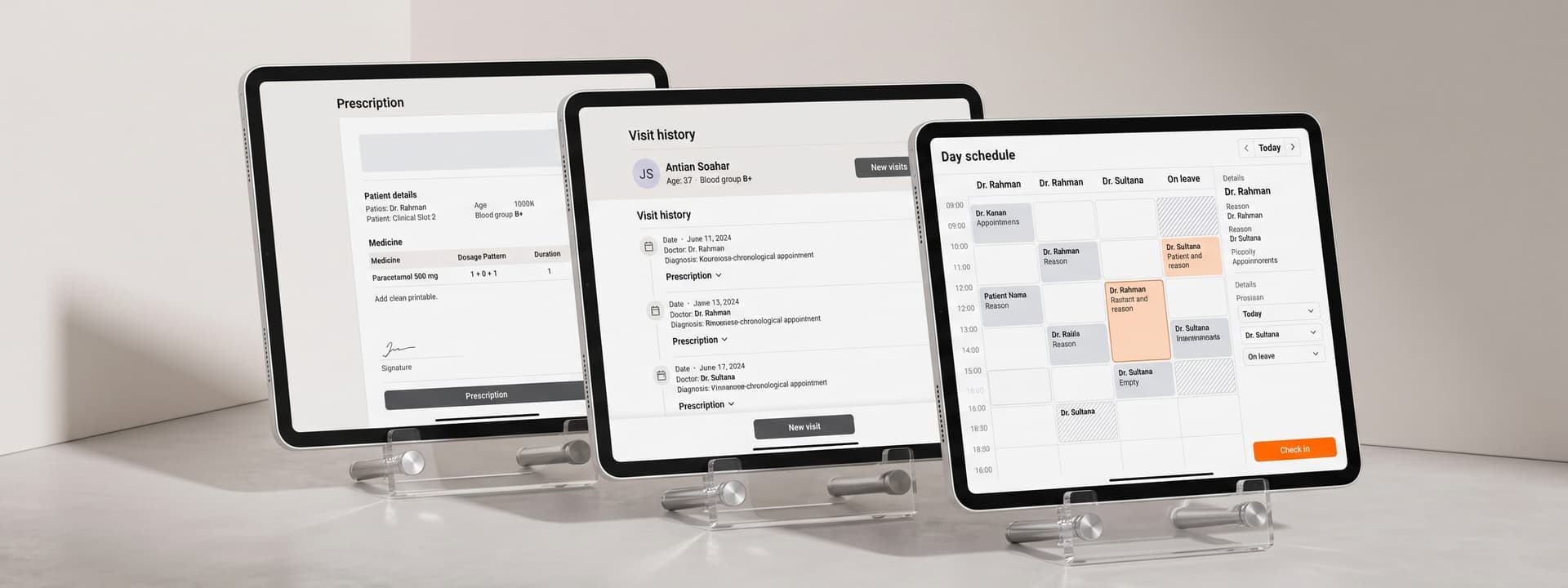
Appointments lived in a ledger at the front desk, patient history lived in a folder, and doctor availability lived in whoever happened to be on shift. Double bookings were routine, a returning patient's history often could not be found in the time available, and nobody could answer how many patients a given doctor had seen that month without counting by hand.
Key issues identified:
- Double-Booked Slots: Availability was remembered rather than recorded, so two patients regularly arrived for the same time with the same doctor.
- History Not At Hand: A returning patient's previous prescriptions were in a folder somewhere, so doctors re-prescribed blind more often than anyone wanted.
- No Numbers To Manage With: Patient volume, no-show rates and doctor utilisation were invisible, so staffing was guesswork.


Solution:
Availability As Data, Records As A Timeline
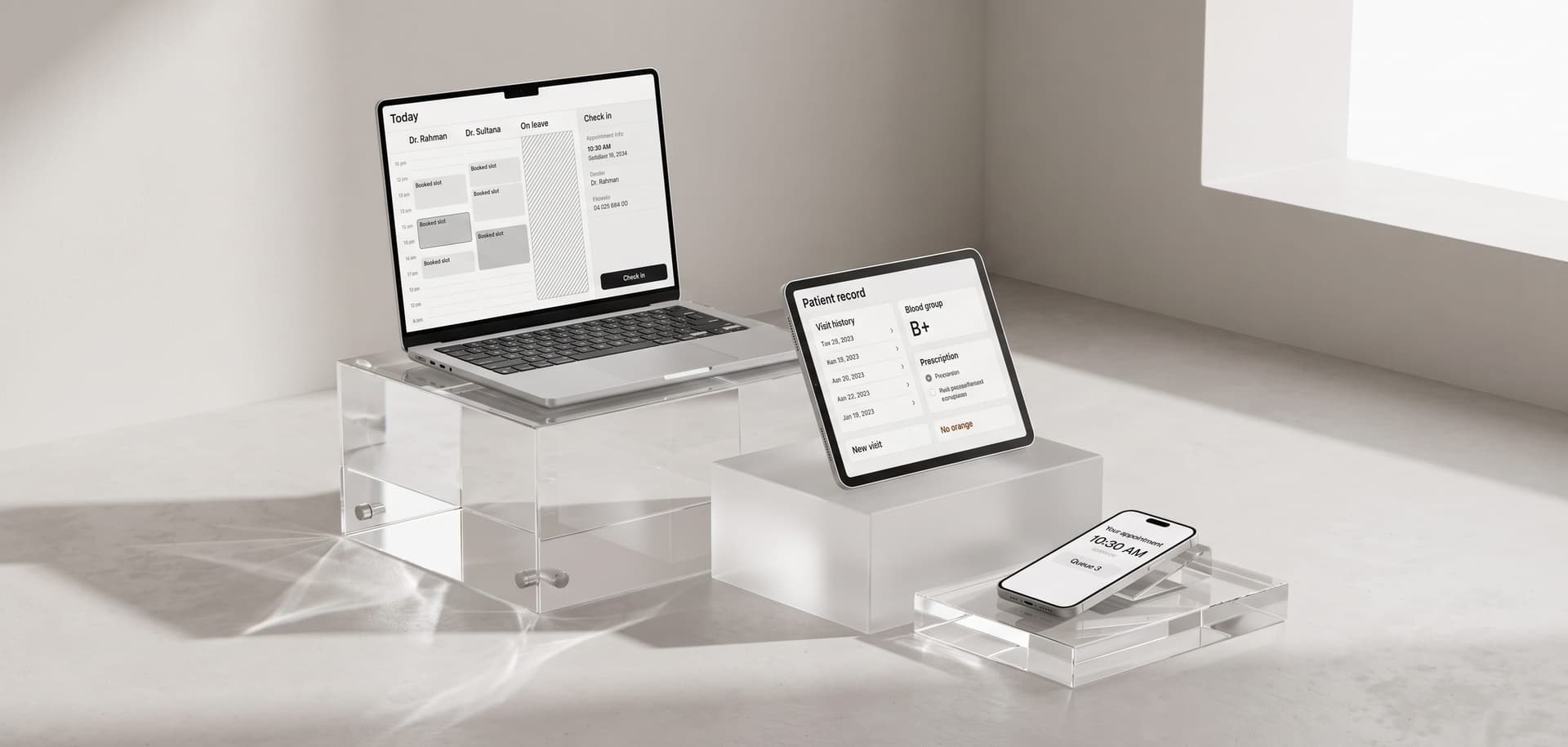
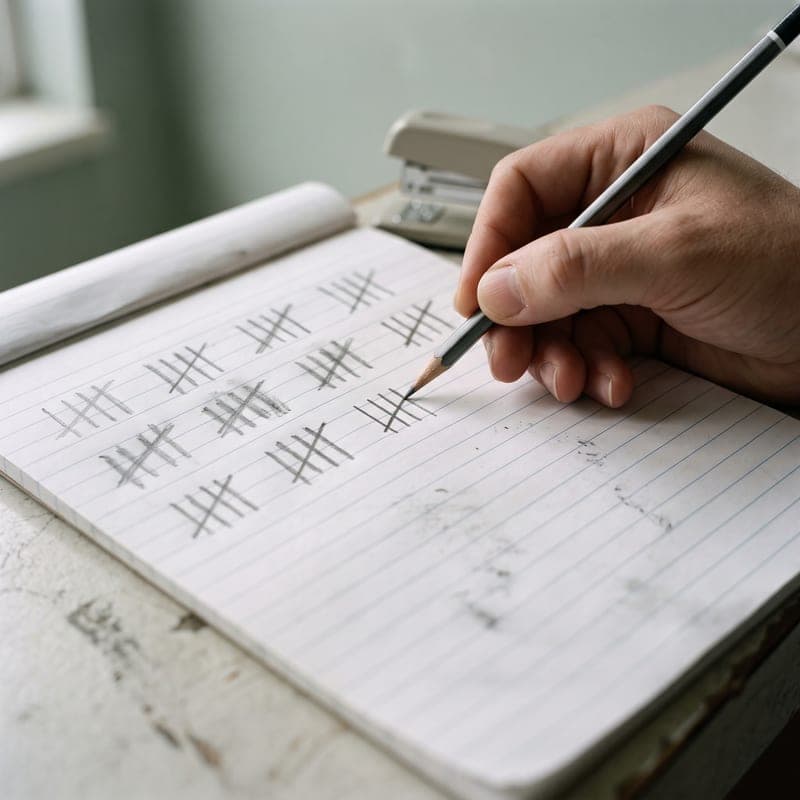
Each doctor's working pattern — days, hours, slot length, leave and breaks — is configured once and generates bookable slots automatically. The front desk can only book a slot that exists and is free, which removed double bookings by construction rather than by care. Patients get SMS reminders, and a cancellation releases the slot back immediately.
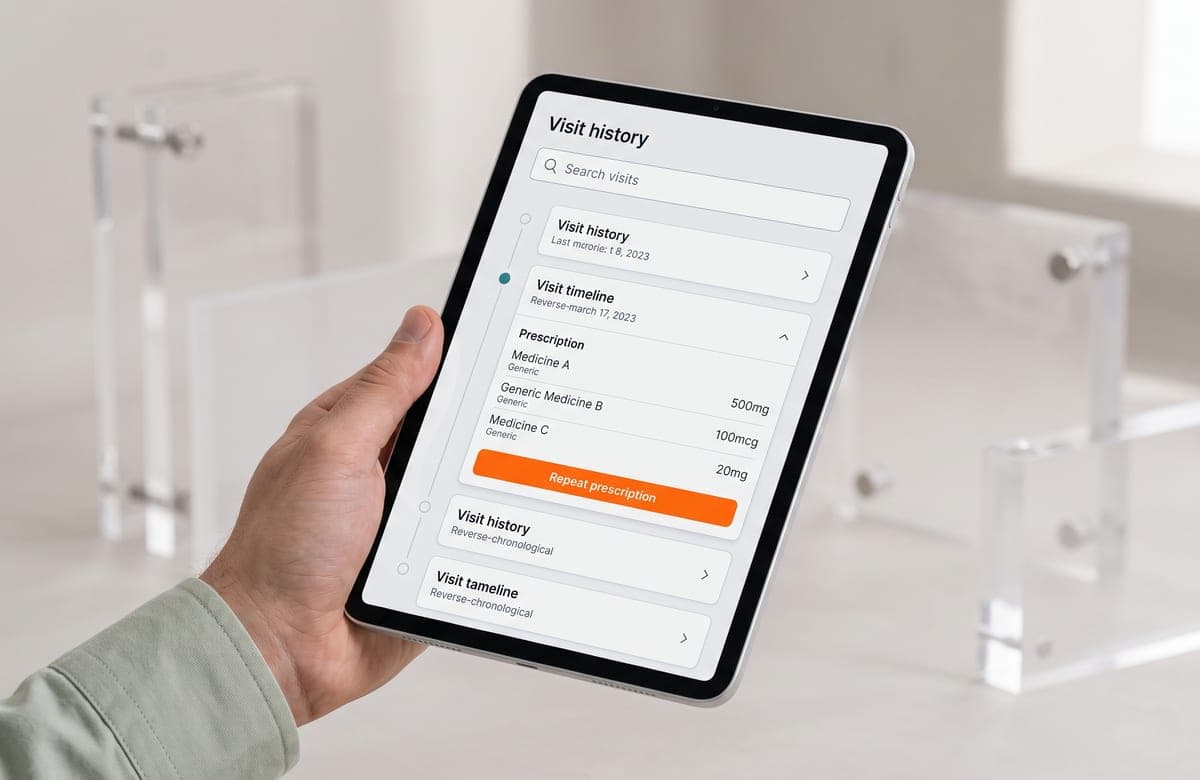
The patient record is a single timeline: visits, diagnoses, prescriptions and uploaded reports in date order, searchable by phone number or name. Prescriptions are written from a structured drug list with dosage templates, so they print cleanly and stay legible in the history. Role-based access separates front desk, doctor and administrator, and every record change is audited.
Key Takeaways:
Remove The Chance To Make The Mistake
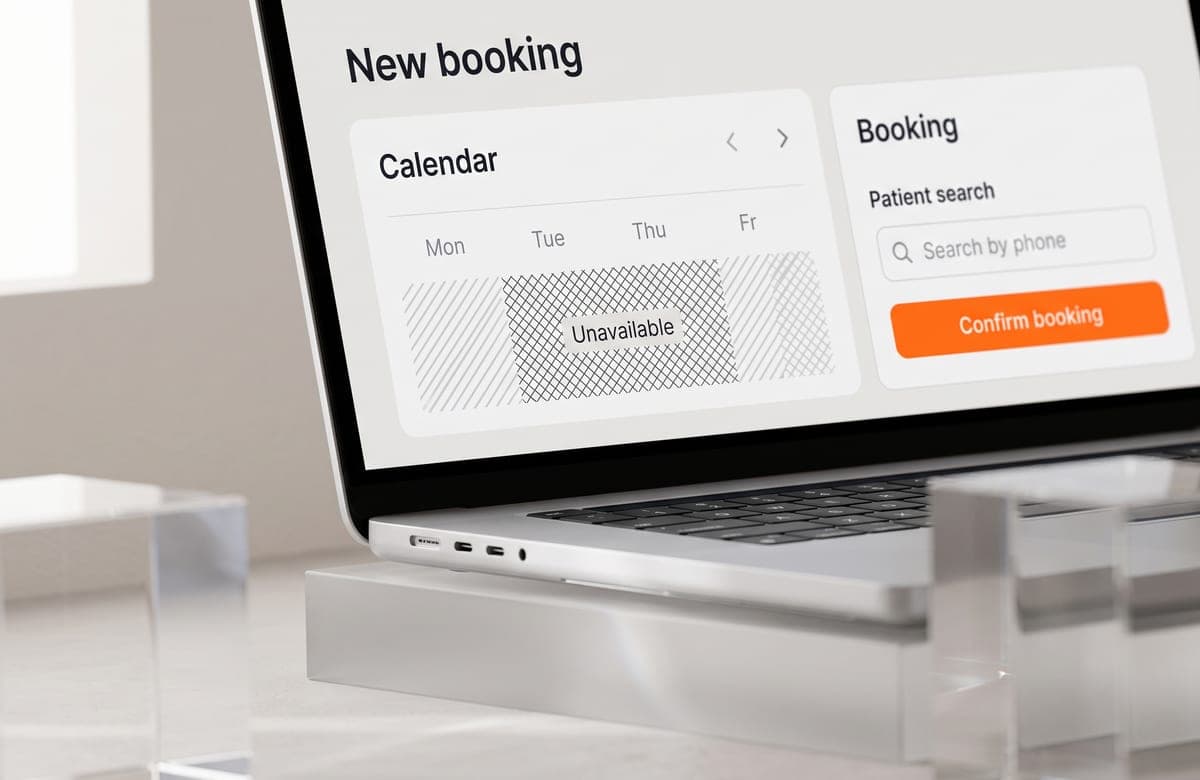
The double-booking problem was not solved by a warning dialog; it was solved by making an unavailable slot impossible to select. Most clinic software problems are the same shape — a process that depends on someone remembering something, replaced by a system where the wrong action cannot be taken at all.
What this project reinforced:
- Generate Slots, Do Not Validate Them: Deriving bookable times from a working pattern beats checking a free-text time against a rule after the fact.
- One Timeline Beats Many Tabs: Doctors have minutes, not screens — history has to read top to bottom in one place.
- Audit From Day One: In clinical records, who changed what and when is not a feature request you can add later.
Outcomes & Impact:
Double Bookings
0
Slots are generated from each doctor's working pattern, so an unavailable time cannot be selected at the front desk at all.
Record Retrieval
Seconds
A patient's full visit and prescription history is searchable by phone number, replacing a folder hunt during the consultation.
Doctors Scheduled
6
Six concurrent practitioners run on independent availability patterns, including split shifts, leave and variable slot lengths.
Reporting
Daily
Patient volume, no-shows and per-doctor utilisation are available the same day, so staffing decisions stopped being guesswork.

Questions We GetAsked Most
Still have questions?
Ask us anything
// A focused MVP usually ships in 8–12 weeks. Larger SaaS platforms and multi-tenant systems run 4–6 months, delivered in two-week increments so you see working software throughout rather than at the end.